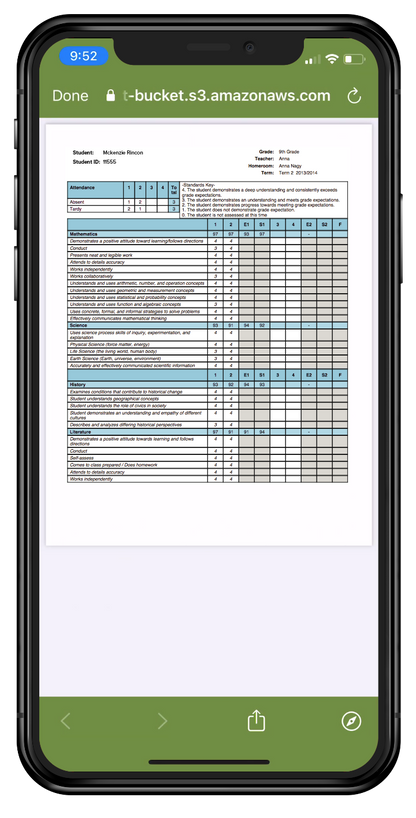
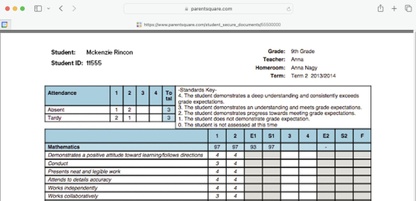
Today, we will be sending home student report cards from the first quarter. Report cards are an important way to keep track of your student’s progress.
To view the report cards, you must log in to your ParentSquare account via the app or the
website. (You will have to log in twice to verify your access.) If you’ve never signed into ParentSquare before, open an account at
parentsquare.com/signin using your email or phone number.
How to View Your Report Card
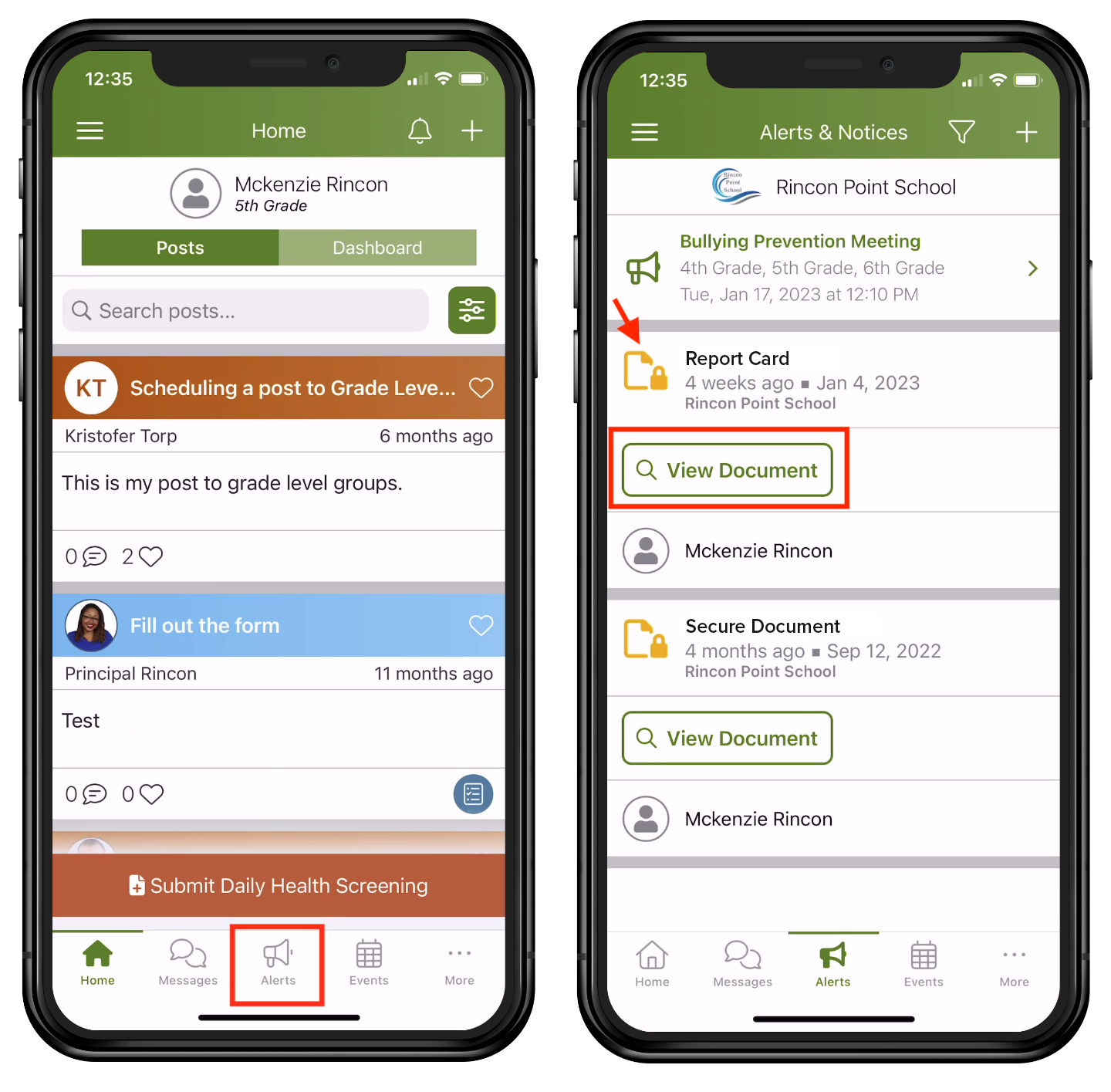
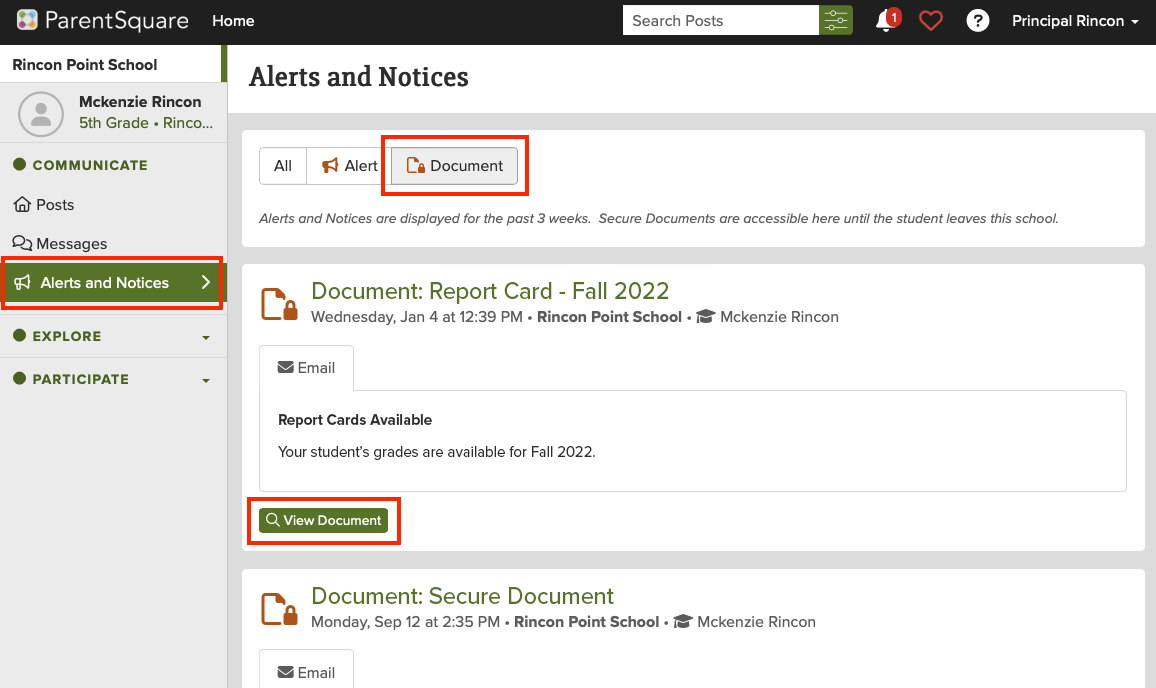
Today, you’ll receive an email and/or text with a link. Follow the link and login instructions. Or, if you are already logged in to ParentSquare, select “Alerts” and then “View Document.” A second log-in is required.
See step-by-step instructions with images, below.
Need Help Viewing or Understanding Your Report Card?
Please contact your school for assistance. In addition, fall conferences are coming up soon!